Sign In to TrialDirector 360
In the desktop application for TrialDirector 360, if an account is not already signed in, the application will automatically prompt to enter user credentials. A videographer enters her credentials and clicks the Sign In button.
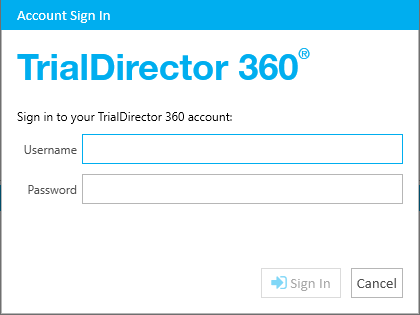
The videographer can only sign in with the account she used to originally install the TrialDirector 360 software. In other words, the videographer cannot sign in with an account that is associated with a different subscription than the one that was active when she installed TrialDirector 360.
 Note: The videographer only has to sign in once. The sign in credentials are always saved for future sessions. She can change these sign in settings from the Settings dialog. View the Change Account Settings article for more information.